
Getting started
Connect a trading account, set the risk policy, create a first rule, and watch your positions.
Getting started
Welcome to Magic Position. This guide walks you through setting up the
app in four steps: connect your trading account, set your risk policy,
create a first rule, then watch your positions.
Step 1 — Connect a trading account
Magic Position connects to an account at your broker or trading
platform. The supported platforms include MetaTrader, TradeLocker,
MatchTrader, cTrader, TradeStation, Tradovate, Rithmic, CQG, Binance,
plus a Simulated platform for risk-free testing.
Open the Accounts page and use
the Add an account button. Depending on the platform, the app asks
for the matching authentication details.
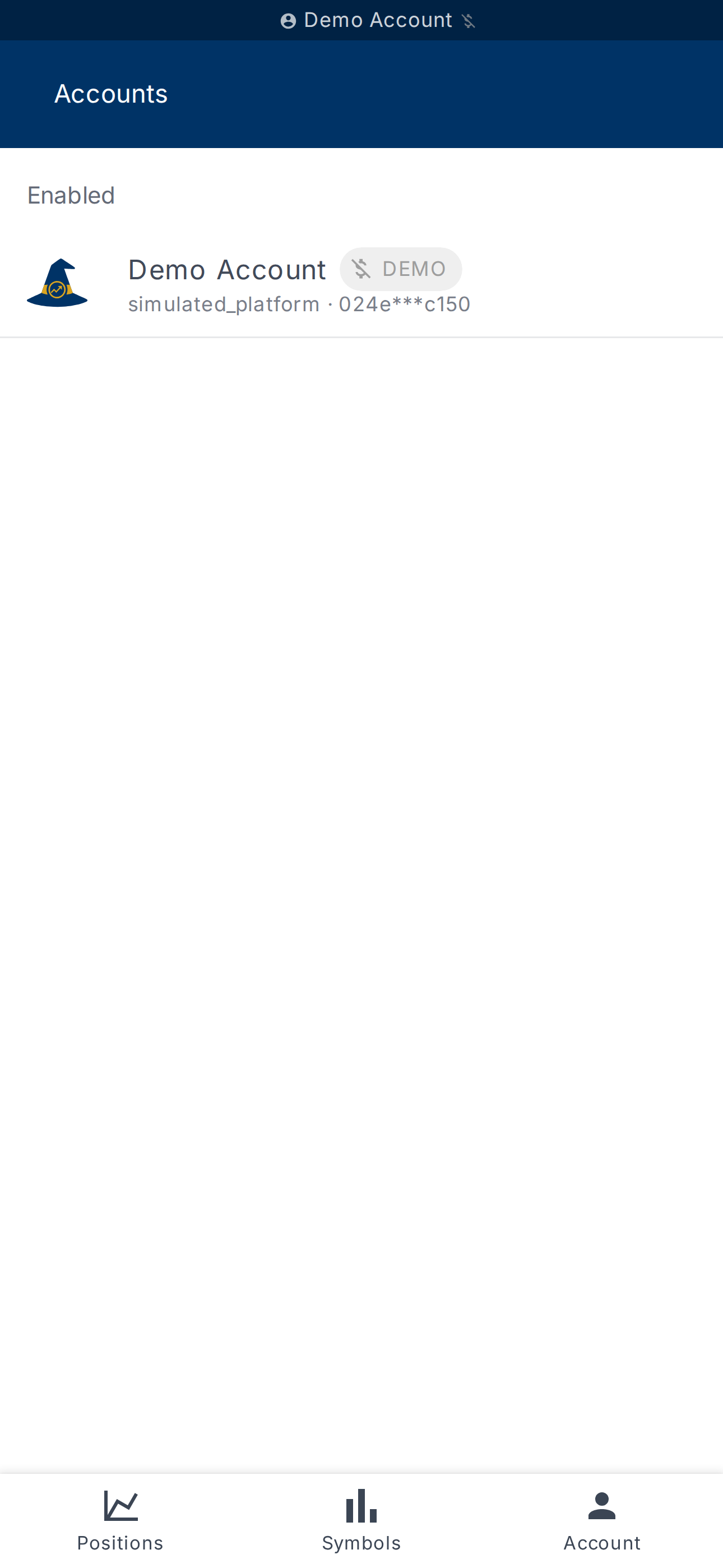
Once added, the account appears in the list under Enabled or
Disabled depending on its state.
Step 2 — Set your risk policy
Before creating rules, configure the risk policy of your account.
It drives the position size computed by the app and the default
stop-loss placement.
Open the Account risk page to
choose:
- the percentage of capital risked per position (1% is a sensible
starting point); - the default stop-loss mode;
- the parameters of your exit strategy.
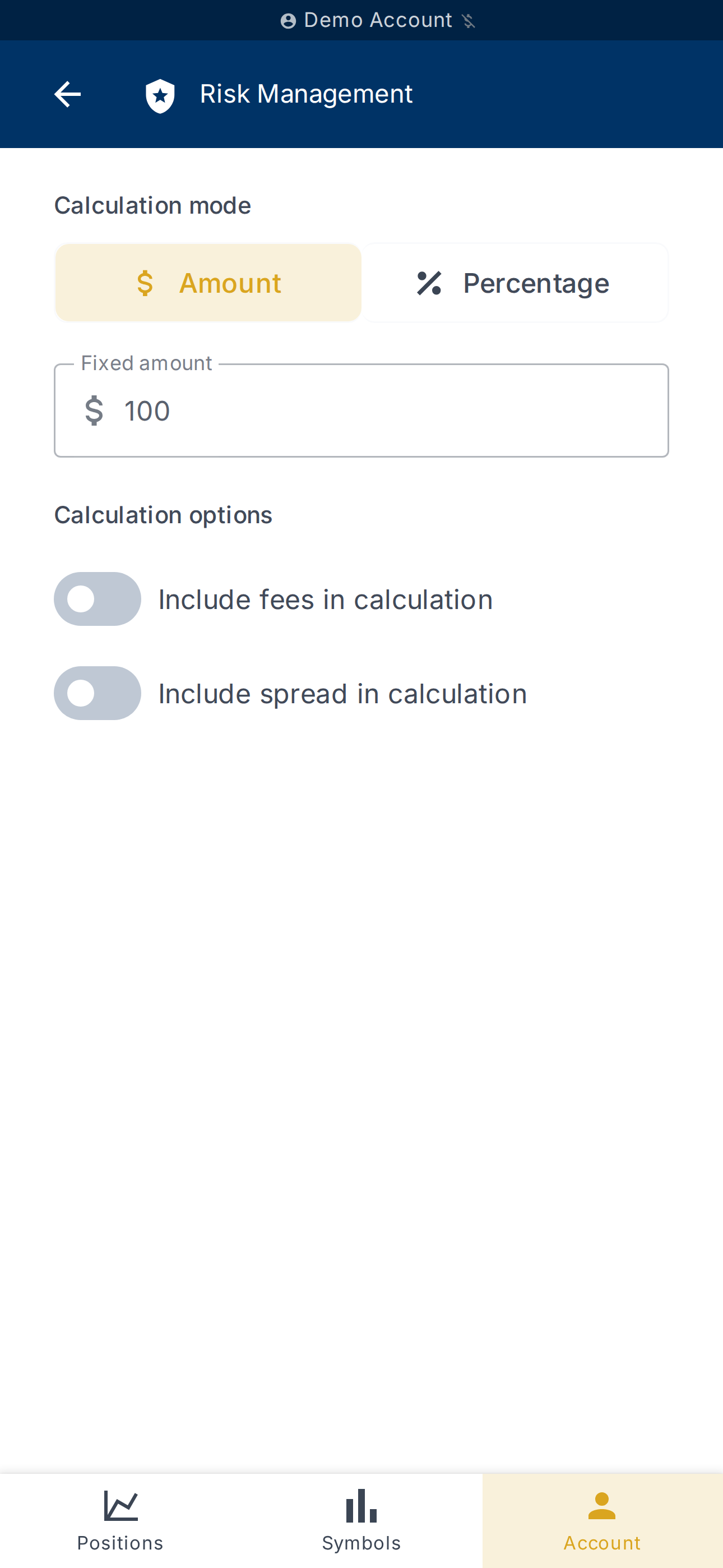
These settings apply to every new position on the selected account.
Step 3 — Create a first rule
A risk rule automates a trading decision: position sizing,
stop-loss, take-profit, exit conditions. A rule applies to the account
on which it was created.
On the Rules page, click
Add a rule. The form prompts for a Rule template, Condition
parameters and Action parameters. Fill them in, then submit with
Create rule.
If the list shows No rules found, no rule has been created yet for
this account.
Step 4 — Watch your positions
Your open, pending and closed positions are grouped on the
Positions page, split between the
Open, Pending and Closed tabs.
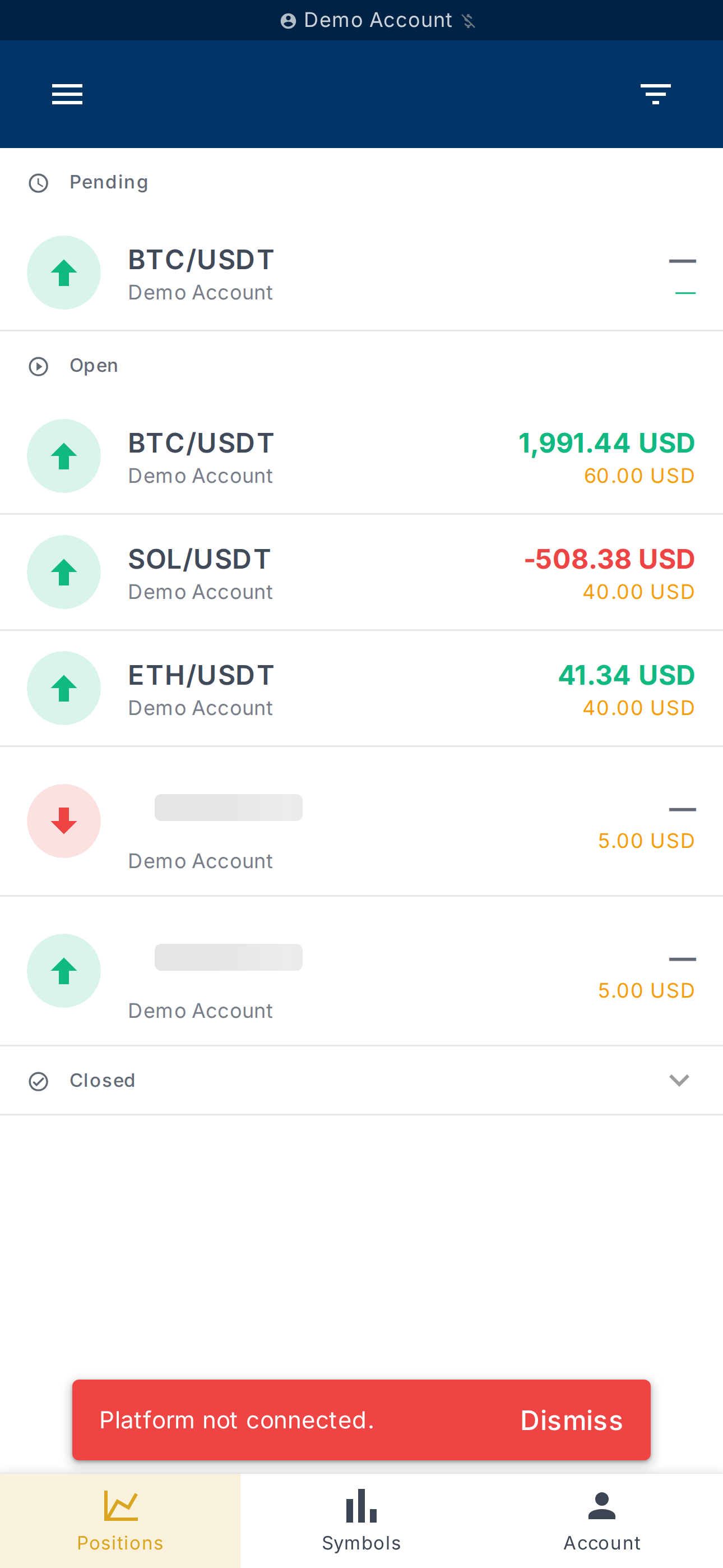
Each position can be inspected to see the rules applied, the timeline,
and its current state.
What's next?
- Fine-tune the Exit strategy from the
Account risk page. - Create more specialised rules and organise them on the
Rules page. - Connect a second account if you trade on multiple platforms.
If a term is unfamiliar, the help glossary defines the vocabulary used
(position, stop-loss, take-profit, position size, risk percentage,
risk rule).