
Help, feedback and about
Find support resources, send feedback to the team, and view version information.
Help, feedback and about
The Support section of the side menu brings together the resources to
help you use Magic Position, share your feedback, and view information
about the application.
Help centre
The Help page gathers all
available resources. It is the entry point for getting assistance or
connecting with the community. The page offers several shortcuts,
including one to the feedback form.
Send feedback
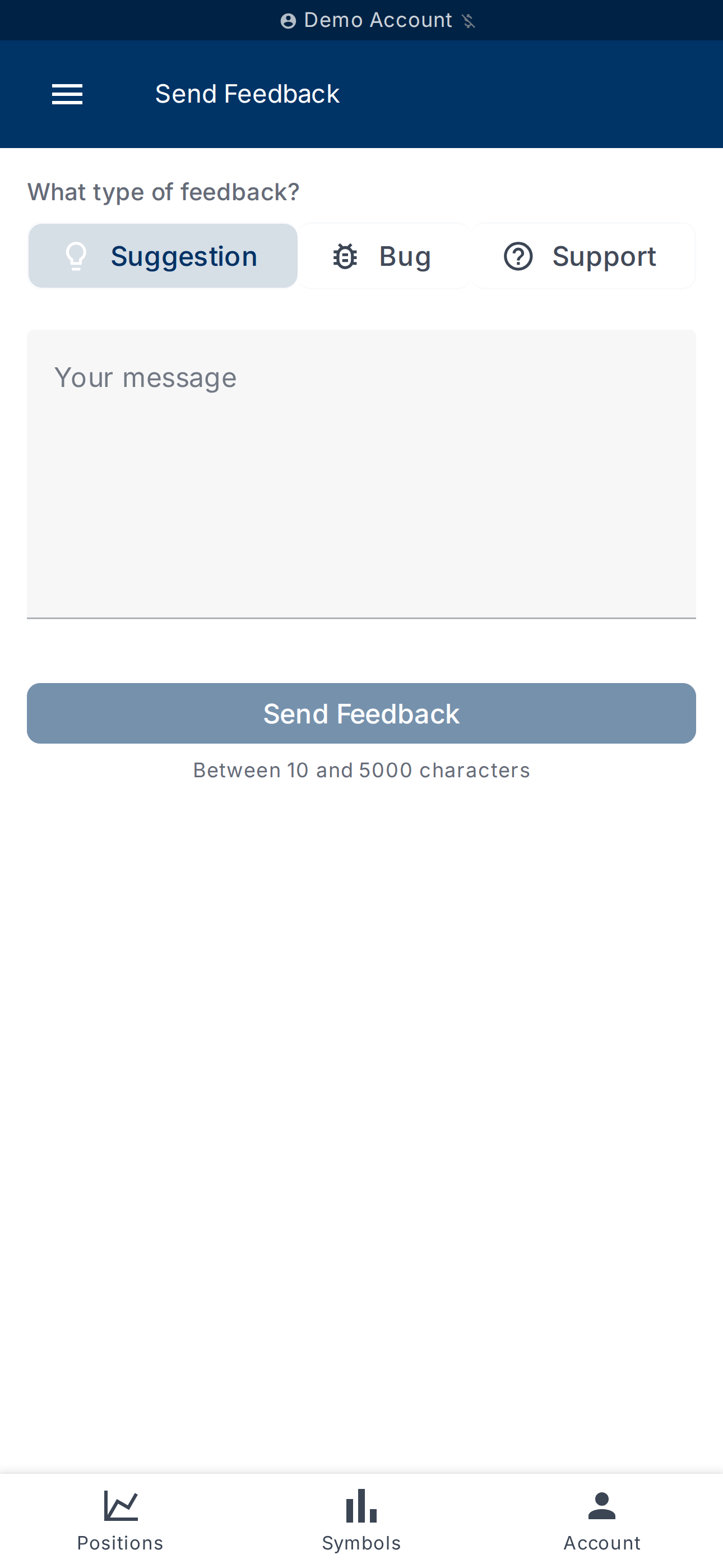
The Send Feedback page
lets you send a message directly to the Magic Position team.
The form starts with a choice of feedback type:
- Suggestion — to propose an idea or an improvement;
- Bug — to report incorrect behaviour;
- Support — to ask a question or request help.
Depending on the selected type, the placeholder of the Your message
field guides you on what is useful to describe (for example, for a bug:
"Describe the bug you encountered. What happened? What did you expect?").
The message must be between 10 and 5000 characters. The Send
Feedback button submits the form; a Thank you! screen confirms
receipt. You can then click Submit Another to follow up with a new
message.
View application information
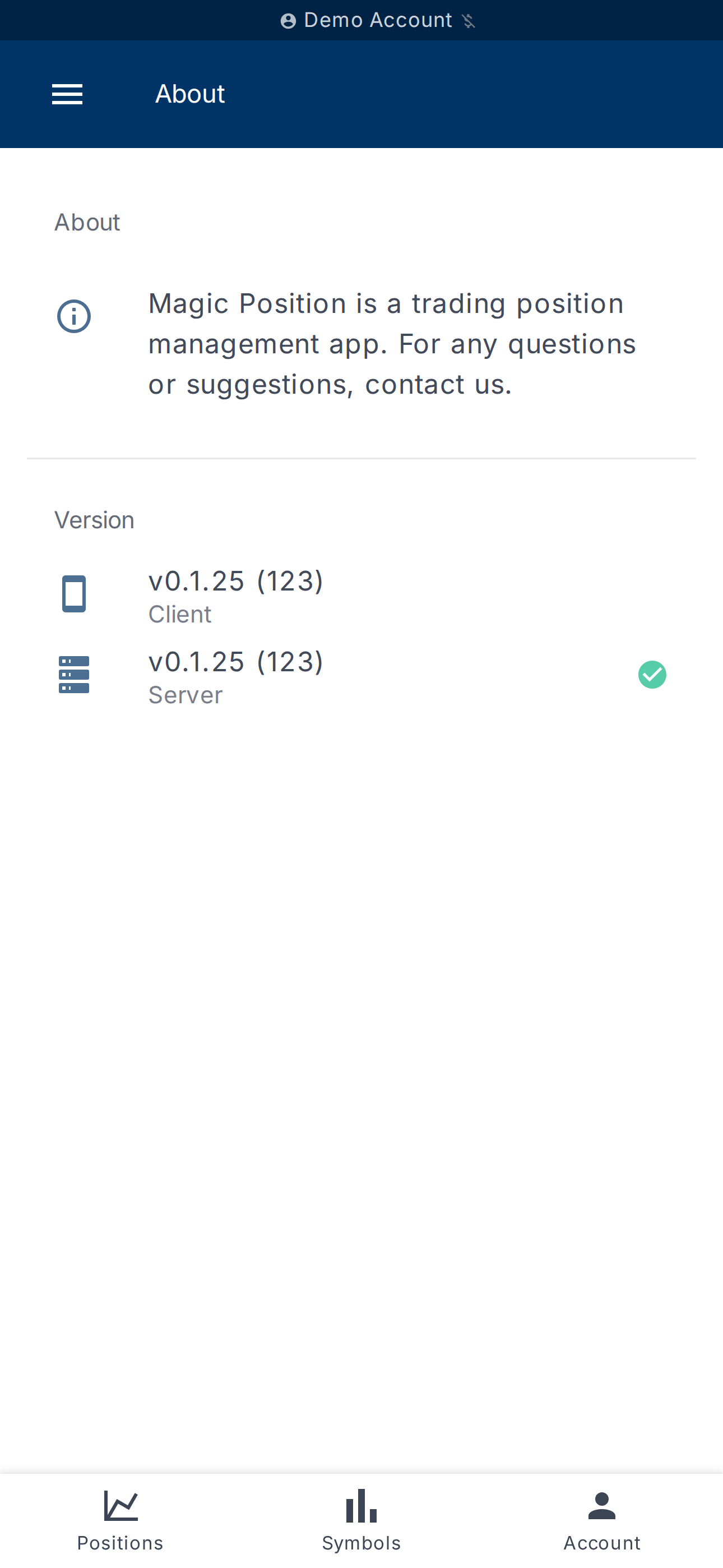
The About page summarises
version information:
- the Client version — the version installed on your device;
- the Server version — that of the Magic Position platform.
If a new version is available on the server side, the application
displays a message inviting you to refresh the app. Conversely, if
your client is more recent, the server will catch up shortly.
If the server version is not reachable, the screen shows Unavailable
— the application remains usable but cannot check the version gap.
What's next?
- Browse other help articles from the documentation index at
/help. - Set up device security — see
Devices & security.